Horizontal logo
For dark backgrounds · 1620 × 300 PNG, or transparent 1583 × 268
Download our logos, badges, and brand guidelines for your event website, press releases, and marketing materials.
The five flat colours of the Folded Pass identity. Use the exact values below and keep the yellow and lilac to the F folds and the Featured label.
Text, dark backgrounds, the dark badge
#0F0D14Light backgrounds, the light badge
#FAF4EAAFF and "up" in the wordmark, calls to action
#FF6B4AFirst F fold, the Featured label
#FFD84DSecond F fold, the Featured corner
#C8B9FB:root {
--aff-ink: #0F0D14;
--aff-ivory: #FAF4EA;
--aff-coral: #FF6B4A;
--aff-yellow: #FFD84D;
--aff-lilac: #C8B9FB;
}
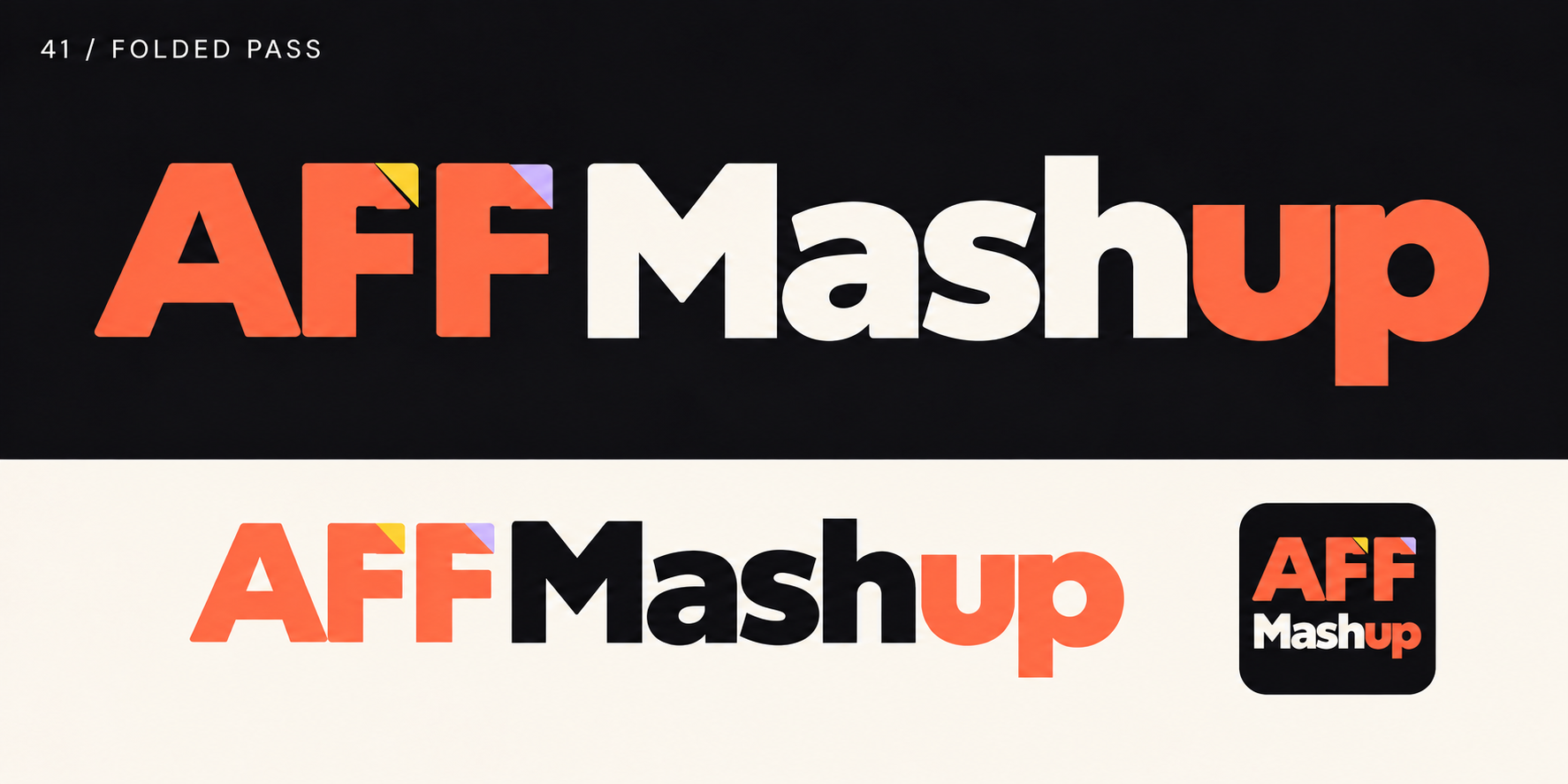
The Folded Pass wordmark: AFF in coral with yellow and lilac folds on the F letters, a normal triangular A, and Mashup with “up” in coral. Keep the aspect ratio and do not redraw or recolour it.
For dark backgrounds · 1620 × 300 PNG, or transparent 1583 × 268

For light backgrounds · 1100 × 218 PNG, or transparent 1062 × 201
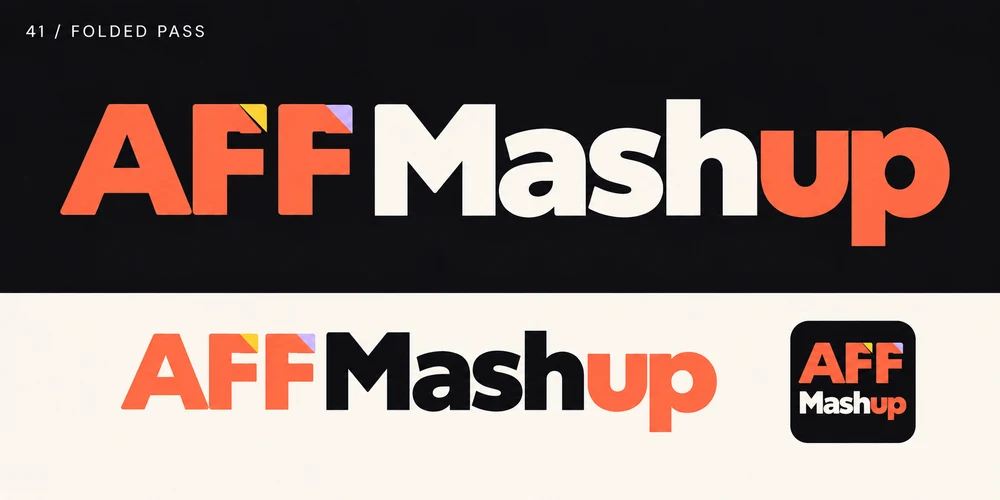
Each horizontal logo comes with its background included and as a transparent file. Use the dark version (cream “Mash”) on dark backgrounds and the light version (black “Mash”) on light ones.
Square images with extra clear space for circular crops. Use “Full name · dark” on Instagram, Facebook and Telegram so the brand is recognised everywhere.
Show visitors that your event is on AFFMashup. Choose the badge that contrasts with your website background and link it to your event page.



<a href="https://affmashup.com/events/YOUR-EVENT-SLUG" target="_blank" rel="noopener" title="Listed on AFFMashup">
  <img src="https://affmashup.com/static/brand-kit/v1/badges/affmashup-listed-dark.svg" alt="Listed on AFFMashup" width="320" height="111" style="display:block;max-width:100%;height:auto">
</a>
YOUR-EVENT-SLUG with your event’s URL slug on AFFMashup.Listed and Featured are placement labels, not ratings or certifications. Use the Featured badge when your event has a featured placement on AFFMashup.
Three families, each with one job. The navigation, menus and footer use the same set on every page.
Interface & body
Navigation, buttons, cards and running text. Weights 400, 500, 600 and 700.
Google FontsHeadlines
Page titles and section headings, with the italic for the highlighted phrase. Regular 400 only.
Google FontsLabels & data
Eyebrows, dates, counts and footer headings, set in capitals with wide tracking. Weights 400 to 700.
Google FontsPlease follow these guidelines when using our brand assets.
If you need logos in different formats, co-branded materials, or have any questions about using our brand assets, feel free to reach out.
AFFMashup
One tap. No password. You'll land back where you left off.
By continuing you agree to our terms and privacy policy.